
Steve's Thoughts
Esta página aún no está disponible en tu idioma.
Every weekday something in the news says something about architecture: a breach, an outage, a new control, a new feature. These are my short notes on what an architect should take from it, and the free module that teaches the design behind it. Each one is dated, because news gets old fast. The modules are where the ideas last.
Newest first.
The thoughts
Section titled “The thoughts”Banks treat AI agents like employees
Section titled “Banks treat AI agents like employees”November 23, 2026 · Data Architect
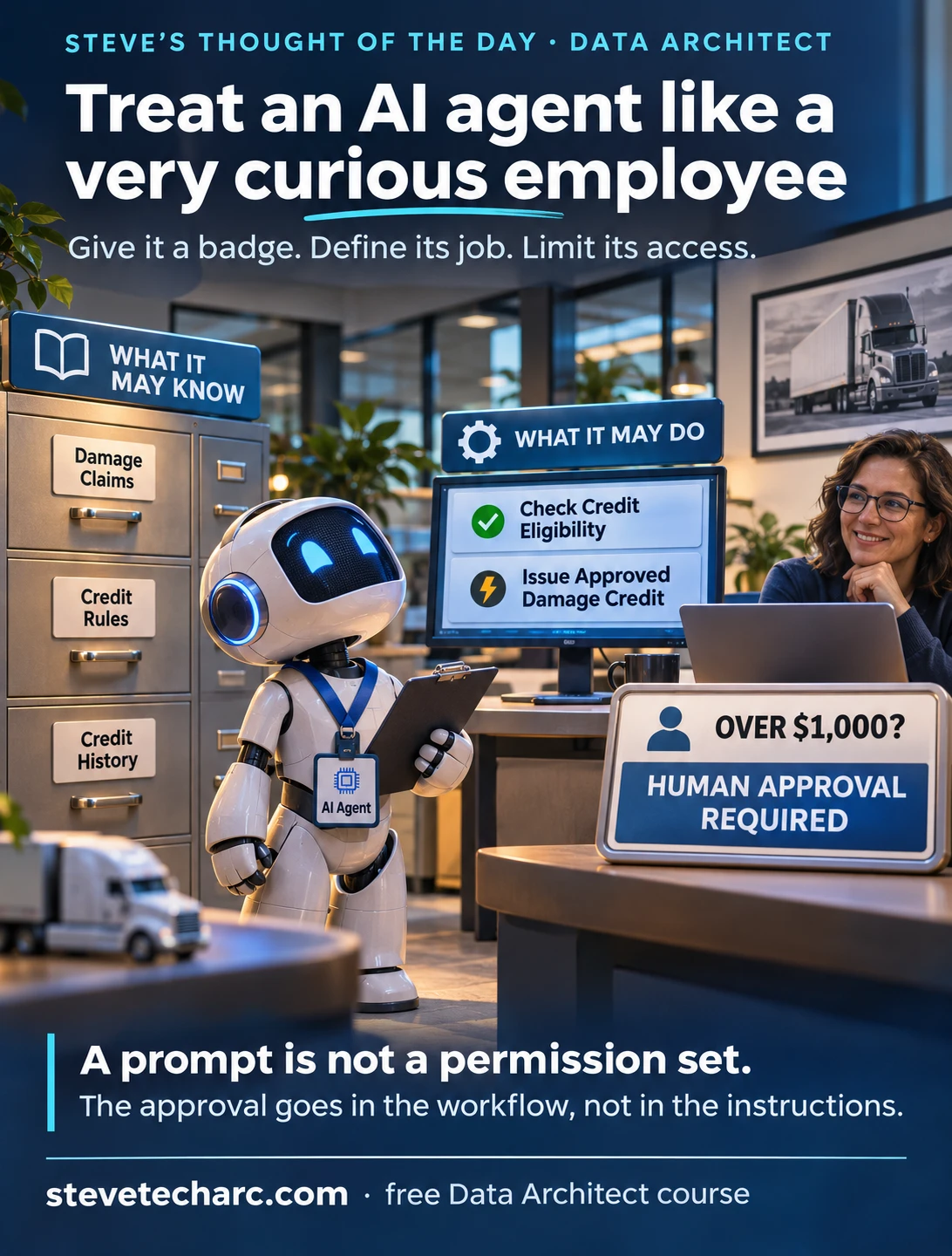
Image generated with AI, from my own diagram below.
Reuters reported that several US banks are tightening controls on their own AI agents. According to its sources, they’re treating agents like employees: their own credentials and limits, kept away from systems they don’t need, and a record of what each agent touched, what it did, and whether a person approved it. (Reuters, via BNN Bloomberg, November 23, 2026 (opens in a new tab))
None of this is new. It’s least privilege, the rule we’ve used for people and integrations for years. What’s new is how hard an agent tests every gap we leave. I teach it this way: treat an agent like a very curious human with a lot of time on their hands. Except its time is measured in milliseconds.
Three questions I’d ask about every agent before go-live. What’s its job? Who does it run as? And what may it do, not only see? A prompt is not a permission set, and an instruction that asks the agent to be careful is guidance, not a control. Put the approval in the workflow.
The diagram from the course:
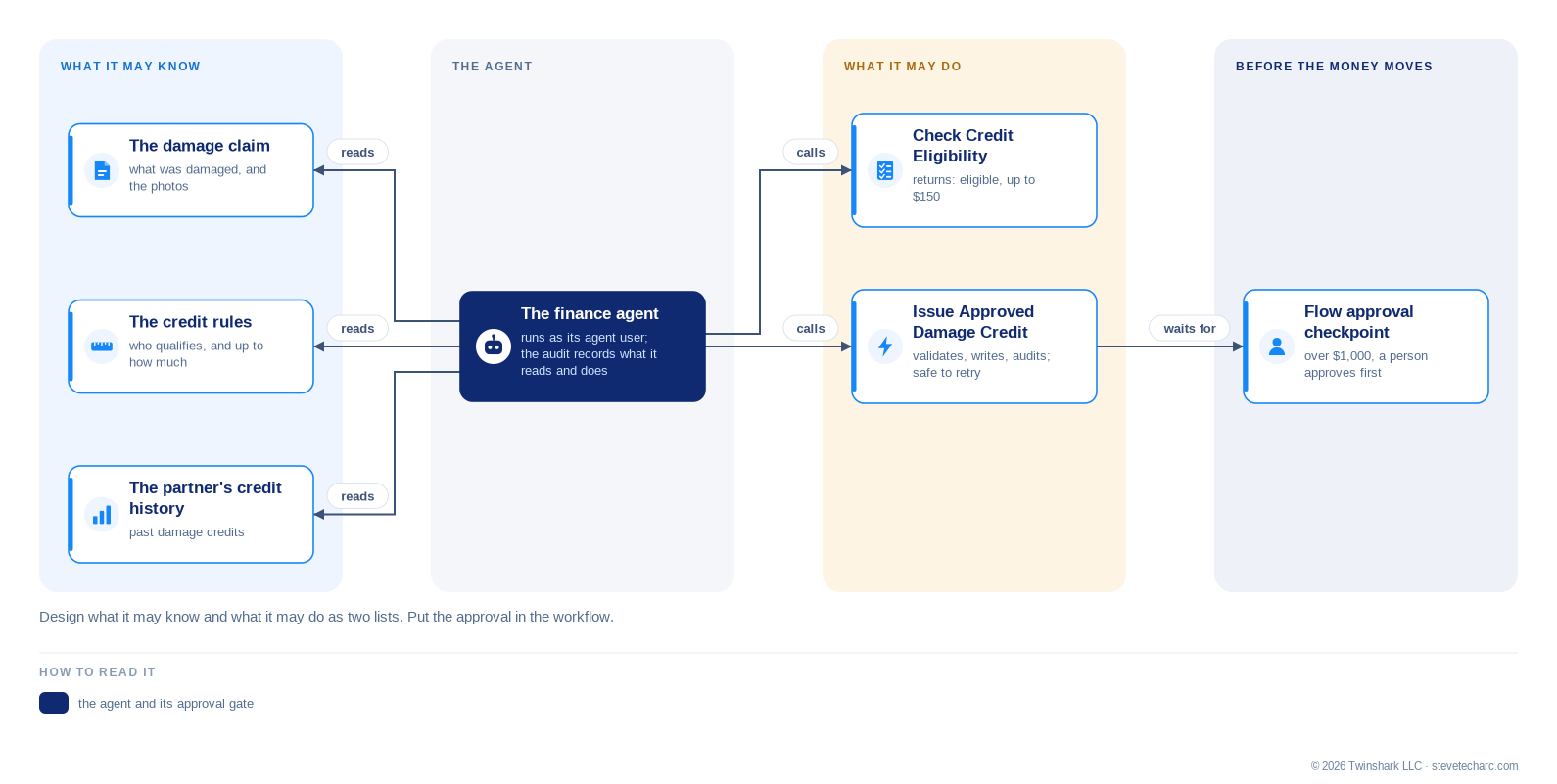
Go deeper: Treat an Agent Like a Curious Human, Data Architect, chapter 12, module 4.
Salesforce’s OAuth email: does it affect your app?
Section titled “Salesforce’s OAuth email: does it affect your app?”November 19, 2026 · Identity and Access
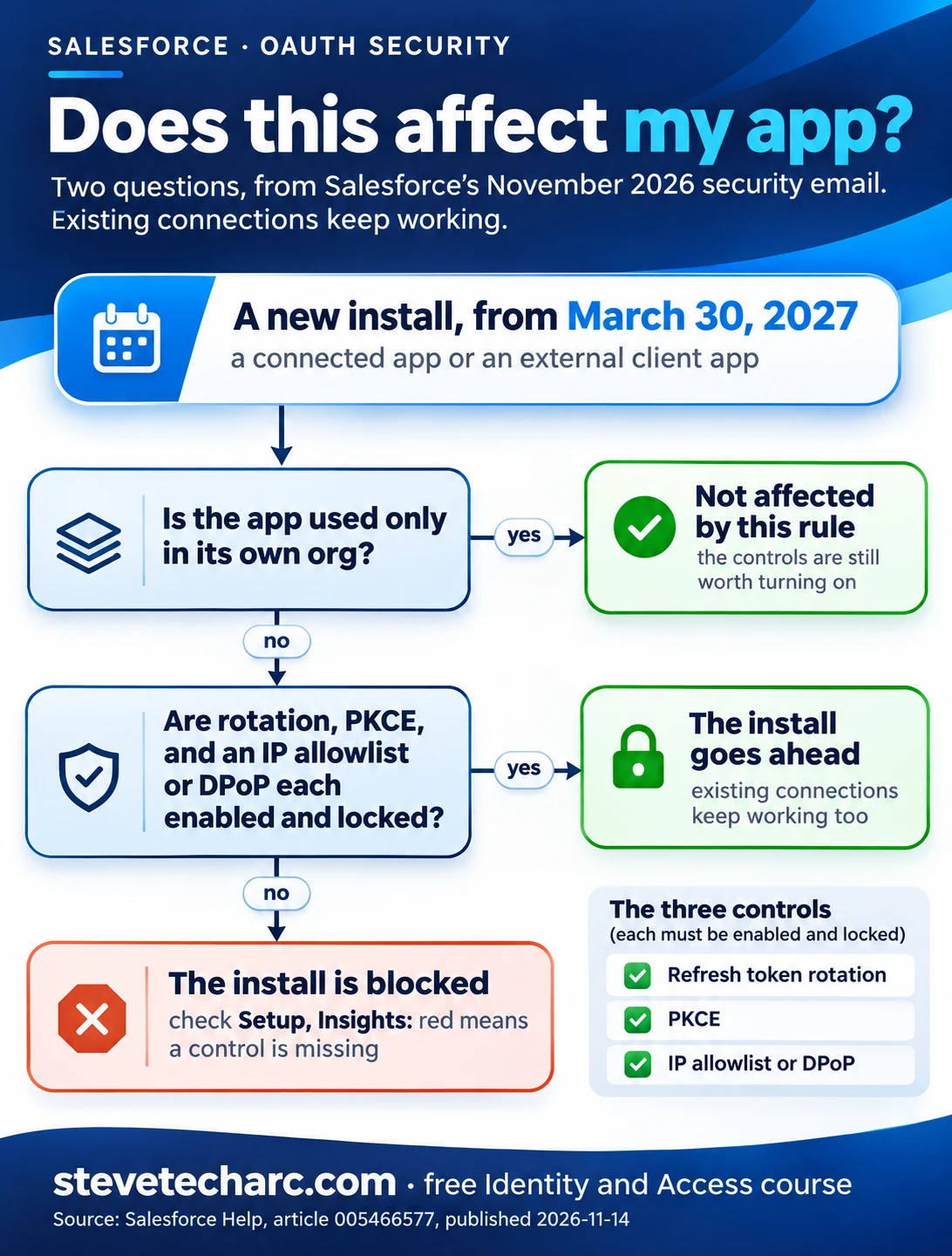
Image generated with AI, from my own diagram below.
Salesforce emailed admins about connected apps and external client apps. From March 30, 2027, an app that doesn’t meet Salesforce’s OAuth controls can’t be installed in another org: it needs refresh token rotation, PKCE, and at least one proof-of-possession control, a refresh token IP allowlist or DPoP. Each must be enabled and locked. Switched on but not locked doesn’t count. (Salesforce Help, article 005466577, published November 14, 2026 (opens in a new tab))
Check who it applies to. The rule is about installing an app in another org, so an app you build and use only in your own org isn’t affected, and existing connections keep working. The controls are still worth turning on. What I’d do this week: in Setup, open the Insights page and look for red. A red indicator on an app you installed is a question for its vendor.
I explain a refresh token as a re-entry pass at a festival. Rotation means each pass works once. DPoP means it only works on the wrist it was given to. From March 2027, an app needs those rules in place before another org can install it.
The diagram from the course:
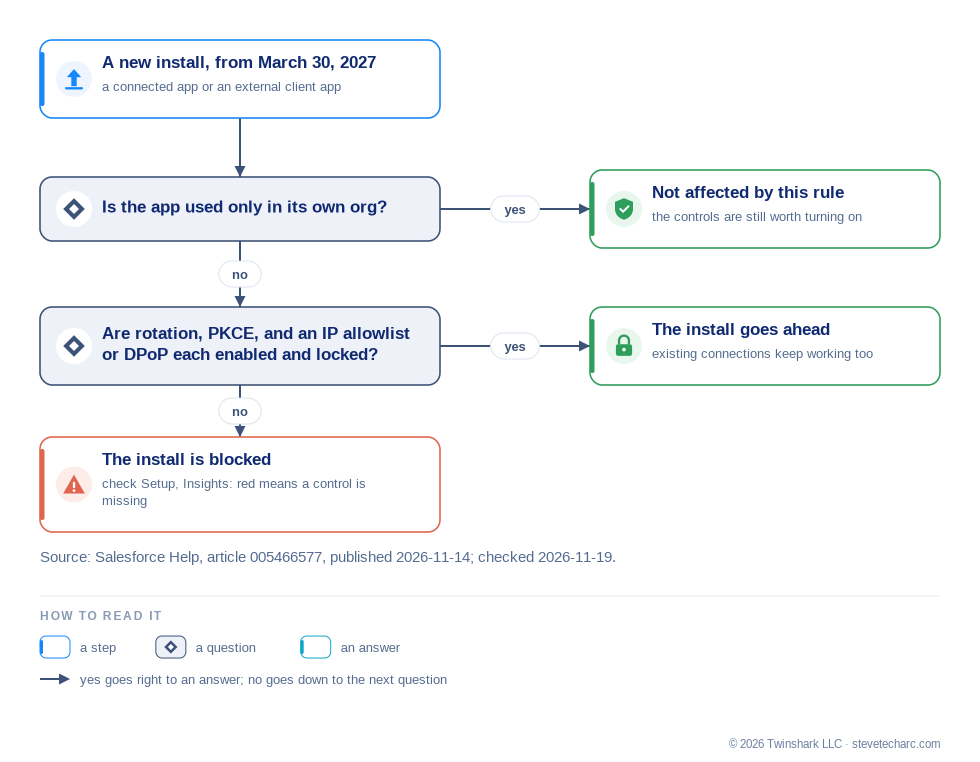
Go deeper: The Re-Entry Pass, Over Time, Identity and Access, chapter 13, module 3.