
If You're Not Archiving Today…
Dette innholdet er ikke tilgjengelig på ditt språk.
Also in 19 languages
Español · 日本語 · Português (Brasil) · Français · Deutsch · Italiano · 한국어 · 简体中文 · Português (Portugal) · 繁體中文 · Bahasa Indonesia · Türkçe · Polski · Tiếng Việt · ไทย · Українська · Español (México) · Français (Canada) · Deutsch (Schweiz)
Module 4 of 4 in the chapter Designing for Scale, chapter 7 of the Data Architect course. Each module stands on its own. Previous: Volume Meets the Sharing Model · Next: the next chapter, Query and Retrieval Architecture
The question this module answers: How do you plan archiving and purging?
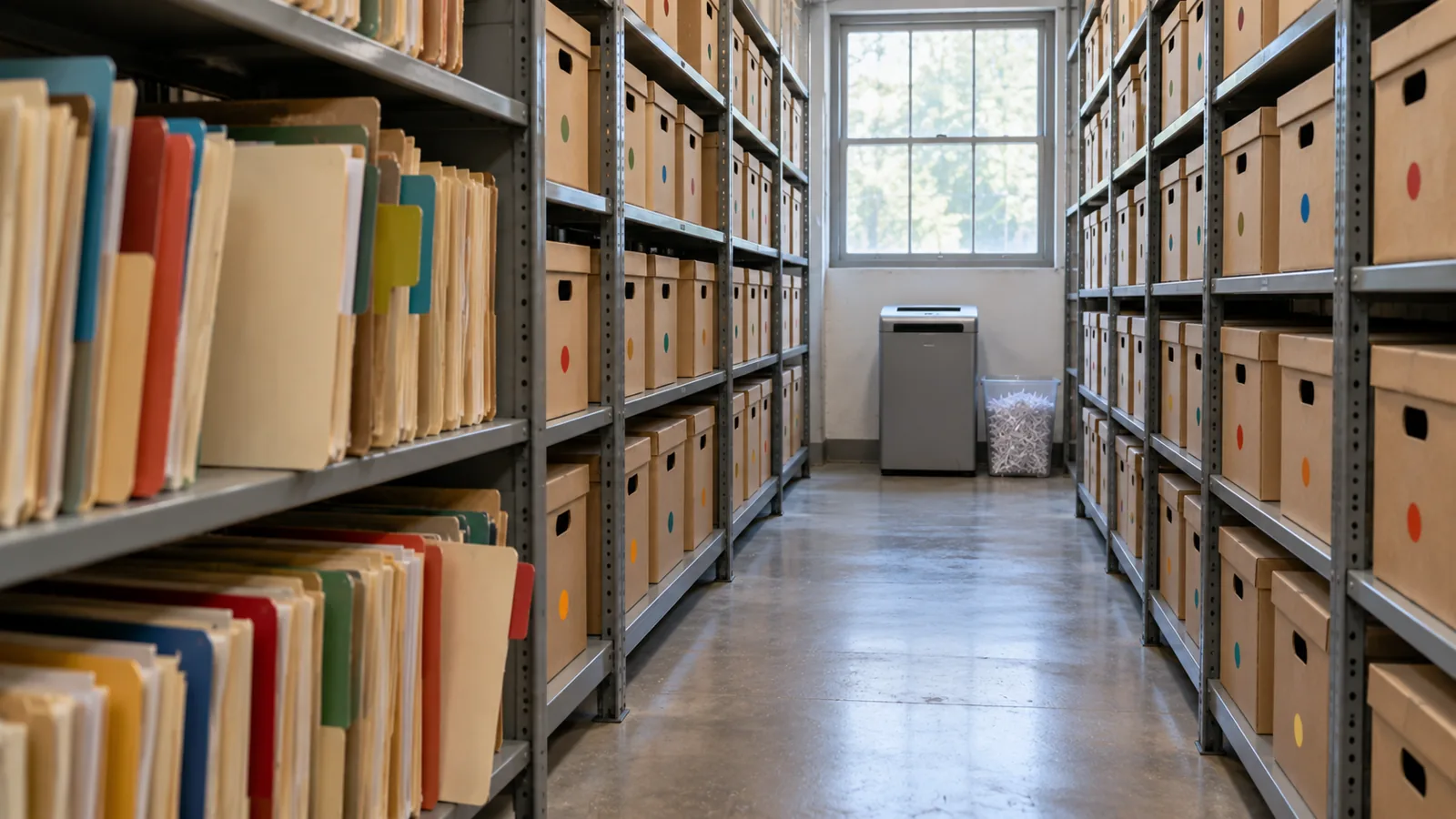
When somebody tells me “we’ll archive the old records later,” I ask one question: if you’re not archiving today, are you ever going to archive? “Later” often becomes after the next release, after the migration, after the reorganization, after we fix performance, after we run out of storage. Then five years on, someone finally asks why there are 80 million records in this object. I don’t want to discover archiving after large data volume has become the problem. If I know the data will grow, I decide its lifecycle when I design it. Salesforce’s own guide says the same: “if your volume of data is increasing, performance can degrade as time goes by. A policy of archiving or discarding data at the same rate at which it comes into the system can prevent this effect” (Best Practices for Deployments with Large Data Volumes (opens in a new tab), Winter ‘27).
Every Record Has a Lifecycle
Section titled “Every Record Has a Lifecycle”We’ve asked how a record is created, who owns it, who can change it, what’s authoritative. Now one more: how does it leave? A record might move from active to inactive to archived to purged. Not every record needs every stage, but every high-volume object needs a lifecycle. A Steve Trucking delivery is needed constantly while it’s live: by the crew, the coordinator, customer care, the partner, automation. A week after it’s done, it’s still useful. Six months on, it’s mostly service history. Three years on, mostly analytics, audit or the occasional dispute. Ten years on, maybe nobody has a legitimate reason to keep it at all. Data’s value changes over time; the architecture should change with it.
Deletion Is Inevitable, So Decide It on Day One
Section titled “Deletion Is Inevitable, So Decide It on Day One”Someday you do need to delete data. So I want retention and purge policies set at the beginning of the project, not when storage gets expensive. Retention is driven by business and regulatory requirements: how long must it stay operational, how long must we keep it, why, who might need it, how fast must they get it, can it eventually go, and does privacy say it should go sooner? Chapter 5 showed that keeping everything forever isn’t automatically safer; sometimes keeping data longer is the risk.
Keep three decisions apart. Retention: how long do we keep it? Archiving: where, and how, do we keep what no longer belongs in the active workload? Purging: when and how is it permanently removed? Needing seven years of data doesn’t mean seven years active. Maybe it’s eighteen months active, then archived for the rest of the period, then purged. Now the lifecycle is explicit.
Purging at volume has its own mechanics, and Salesforce spells them out. Deleting a record doesn’t remove it at once: it goes to the Recycle Bin for 15 days, and while it’s there it “still affects database performance because the data is still resident, and deleted records have to be excluded from any queries.” For a purge of a million records or more, Salesforce’s advice is the hard delete option of Bulk API 2.0, which skips the Recycle Bin, and when records have many children, to delete the children first (Deleting Data (opens in a new tab); Best Practices: Deleting Data (opens in a new tab)). A purge is a data operation like any other at scale: plan it, run it in batches, and check it.
Test knowledge. Know how to purge at volume: soft-deleted records stay in the Recycle Bin for 15 days and still slow queries; for a million records or more, use Bulk API 2.0 hard delete; delete children before parents.
Retain for seven years doesn’t mean keep active for seven years.
Back Up Before You Delete
Section titled “Back Up Before You Delete”Archiving eventually means removing records from the active system, so before I design deletion I want the recovery story: can we recover, how fast, do we know exactly what went, can we restore the relationships, have we tested it? Backups go in before anything is deleted. Backup and archive are different capabilities: a backup protects against loss; an archive deliberately moves data out of the active population while keeping the access the business still needs. Deleting ten records by mistake is annoying. Deleting ten million is an incident. The Number of Zeros applies to mistakes too.
Both now come from Salesforce itself. Own, the company behind OwnBackup, is part of the Salesforce Platform: Own Recover is now Salesforce Backup & Recover (daily and on-demand backups of data and metadata, restores at field, record or object level, point-in-time recovery), and Archive moves rarely used data to low-cost storage while keeping it accessible from within Salesforce, under archiving and retention policies (Own From Salesforce Product Suite FAQ (opens in a new tab); Own’s tools, now part of Salesforce (opens in a new tab)).
An Archive Nobody Can Find Is Almost a Deletion
Section titled “An Archive Nobody Can Find Is Almost a Deletion”A team moves old data somewhere cheaper. Archive complete. Then a customer calls: “I had a delivery four years ago and I need the proof of delivery.” The agent searches Salesforce: nothing. Now they need another system, the right table, an identifier, an administrator, a request, two days. That’s not much of an archive. Archived data doesn’t have to behave like active data. It can be slower, read-only, shown in a different component. But archived data has to stay findable, as the business requires.
I’ve seen this done well at a service chain. At the very beginning of the project they told me, “We only do a hundred appointments a day at a store.” A hundred, no big deal. But they had a thousand stores, open six days a week. Do the quick math: that’s about 31 million appointments a year. Then they created two appointment records for every visit, one at the front office and one at the back, so 62 million. And they needed five years: over 300 million records. I could see large data volume coming before we’d even gone live. So right from the beginning we said: there has to be archiving before we collect a single appointment. We put the archive in big objects and built it in from the ground up. When a user searched a customer, the live appointments came first, and below them, the archived ones. The archive didn’t pretend to be active data, and nobody had to become a database administrator to find history. Active data where the operational system needs it; archived data somewhere suited to its volume; a path from the business context to both. Much better than either extreme: everything active forever, or moved somewhere nobody can find.
Where Should the Archive Live?
Section titled “Where Should the Archive Live?”Keeping data in core is like keeping it at the front of the office, where it’s in the way of today’s work. Somewhere in the future of any object with tens of millions of records there’s a move to the back: a box in an archive, the shed (big objects), or a hologram (virtualization, the data shown in Salesforce but living elsewhere). There’s no single answer; I choose the destination by constraint. When the customer doesn’t want an external store, I’ve used big objects: on-platform, built for very large volumes, but with no standard UI or reporting, Apex-only access and querying through the index, so plan the access path before you choose them (chapter 3’s “shed out back”). Plan the storage too: most editions are allocated storage for 1 million big object records per org, and more has to be arranged with Salesforce (Data and File Storage Allocations (opens in a new tab)). Two more facts matter for an archive. Big objects support only object and field permissions, not sharing rules, and triggers and flows don’t run on them. And inserting an identical record twice creates only one, so writes can be idempotent, which helps when an archive run has to restart (Big Objects (opens in a new tab)).
A big object: the archive stays inside Salesforce, and you build the window users see it through.
When an external store is fine, I’ve used an off-platform database surfaced through Salesforce Connect, so archived records appear in Salesforce without being copied back. Precisely: Salesforce Connect reaches external data through OData services, other Salesforce orgs, a custom adapter built with the Apex Connector Framework, or specific adapters for Amazon DynamoDB, GraphQL and SQL (the SQL adapter supports Snowflake and Amazon Athena), so a general database usually needs an OData layer or a custom adapter in front of it (Choose Which Salesforce Connect Adapter to Use (opens in a new tab)).
An external store: the archive leaves Salesforce, and Salesforce Connect brings it back into view.
The archive doesn’t have to be a database. It can be files in low-cost file storage, such as Amazon S3, and Salesforce Connect’s SQL adapter for Amazon Athena lets users “analyze data directly in Amazon Simple Storage Service (Amazon S3)” from Salesforce. One catch for an archive: that adapter is available “not for high-data-volume external objects,” so check what your volume needs before you choose it (Salesforce Connect SQL Adapter for Amazon Athena (opens in a new tab)).
File storage: the same move, with files in place of a database.
And now Salesforce’s Archive is the built-in option, keeping archived records reachable from Salesforce. Third-party tools such as GRAX are in the market too.
Test knowledge. Know the archive destinations and what big objects are: built for very large volumes (consistent performance from a million records to a billion); reached through Apex, APIs and their index, not the standard UI; object and field permissions only, no sharing rules; no triggers or flows. Know the alternatives: an external store through Salesforce Connect, and Salesforce’s Archive.
The product isn’t the lesson. The characteristics are: how much data, how often it’s retrieved, how fast it must appear, whether it needs relational access, whether users must find it from Salesforce, whether it can be read-only, who may see it, how long it’s kept, what it costs, and how it will eventually be purged. Those answers pick the technology. And remember: where data physically lives and where a user can discover it are different questions. The five-year-old delivery doesn’t belong in the active object. That doesn’t mean the care agent shouldn’t be able to find it.
The Three-Step Archive
Section titled “The Three-Step Archive”When I’m moving large volumes out of an operational system, I don’t like copy, then delete in one step. There’s too much trust in it. And before the first real run, I rehearse it: a dry run that shows which records would move, ideally in a full copy sandbox, deleting nothing. Salesforce’s Archive app lets you preview an archive policy before you publish it (Archive App (opens in a new tab)), and other archiving tools offer a dry-run mode for the same reason. Then I use three steps:
- Copy and flag. Copy the records to the archive and mark them in the source as pending archive. Don’t delete anything yet. Now both copies exist. On the service chain, this was a batch that ran on the weekend.
- Verify. Re-query the source and the archive and prove the archive is right: counts, identifiers, relationships, totals or other reconciliation; can we retrieve them? For extra assurance, add checksums, or restore a sample back and compare it. Then flag them as validated. Trust but verify. Users still find the records in the source, because they aren’t archived yet.
- Delete and flip. Only after verification, and only for records that aren’t under a legal hold, delete the active records and mark the archive complete, so the search screens now pull them from the archive. The deletion doesn’t have to follow at once; it could happen a week later.
What could go wrong with one pass, copy and delete? It didn’t copy, and you’ve deleted the records. The point is that you don’t cross the destructive boundary until you’ve proved the copy. And with the states, you can report on every archive run.
This isn’t just my habit; it’s how the serious archiving tools work. Oracle’s archive and purge, for example, validates the records, copies them to archive tables, and then purges from what it archived, with a restart program for when a run fails partway (Archive and Purge (opens in a new tab)). Tools that copy and delete in a single pass come with a warning to test with a dry run first (AWS Prescriptive Guidance: Archiving data from unpartitioned tables (opens in a new tab)). Salesforce’s Archive app respects legal holds: records under a legal hold can’t be deleted or removed (Archive App).
Don’t cross the destructive boundary until you’ve proved the copy.
And design it to restart. Archiving 20 million records, the job fails at record 14,382,711. If the answer is “start over,” I don’t like the design. Large operations fail: connections drop, jobs time out, one odd record throws an error. The process has to know what’s already succeeded, which is what the archive states (pending, verified, archived, failed) are for, so it can restart without duplicating data, losing data, or deleting something that wasn’t safely archived. At scale, restartability is part of reliability.
One more thing to know before you call a purge done: deleting the active records isn’t the same as erasing the data. Backups, caches, replicas and analytics copies may still hold it. That’s fine for an archive, and it’s exactly what chapter 5 asks you to account for when privacy law says the data must go.
Don’t Archive Everything Forever
Section titled “Don’t Archive Everything Forever”Archiving can become an excuse to avoid deciding to delete. “We might need it someday.” Maybe not. Chapter 5 asks are we allowed to keep it? This chapter adds is there value in keeping it active? Some records move to an archive; some get summarized, some anonymized, some deleted. The goal isn’t to preserve every byte. It’s to keep what the business legitimately needs for as long as it legitimately needs it.
Files Change the Number of Zeros
Section titled “Files Change the Number of Zeros”Unstructured data is a different scale problem. Steve Trucking expects four to five million photos a year. Purely for magnitude, at about 4 MB a photo, five million is about 20 TB in one year, before growth. The real size will vary; the zeros tell you the binary content needs its own architecture. That’s why Checkpoint 1 separated the business record about a photo from the photo itself. Salesforce may need the photo’s type, its delivery, when and by whom it was taken, where it’s stored and its retention state, or even just a count and a “required photos complete” flag. The image belongs in storage built for millions of large objects. It’s the same principle as FleetLink’s GPS: keep in core what the operational process needs, and don’t copy every high-volume artifact into core because Salesforce takes part in the process.
The Archive Still Has to Be Secure
Section titled “The Archive Still Has to Be Secure”Data leaving the active object doesn’t leave its security requirements behind. Redrock saw only Redrock’s deliveries while they were active; archive them, and Redrock still doesn’t get Keystone’s history. The archive needs an authorization model too, for Recipient personal data, photos, financial data, service history and agent access. A big-object archive doesn’t help on its own here: big objects don’t support sharing rules, so the access path you build has to carry the partner boundary. One design question for every archive: how do the original security requirements survive the move? The implementation may change; the requirement doesn’t.
Agents and Archived Data
Section titled “Agents and Archived Data”A Recipient asks an agent, “where was my fridge delivered four years ago?” The answer exists, but it’s archived. Should the agent be able to reach it? My position: that’s a significant decision, and it’s the business’s to make. The architect lays out the options and what each costs: which archive, how an agent reaches it, the latency, the consumption, what an agent may say about old data, and the retention and privacy limits. Then the business decides. If archived data should stay reachable, build an authorized retrieval path. If it shouldn’t, let the archive boundary enforce that. What I don’t want is the technology making the decision by accident.
Beyond the exam: what AI changes. Archiving now includes a context decision: whether history stays reachable to agents. An archive isn’t automatically part of an agent’s context just because the data still exists. Put the decision to the business, then apply the same authorization and retention rules as for human access.
Steve Trucking: Decide the Lifecycle Before We Need It
Section titled “Steve Trucking: Decide the Lifecycle Before We Need It”At five years: about 9 million work orders, 14.5 million line items, millions of photos, and the status history and GPS we deliberately kept off-core. I don’t want Steve Trucking waiting until year five to decide what “old” means. The exact periods may not be set yet; that’s fine. But the architecture should already be asking: how long does a completed delivery stay operational? Which details must care agents see immediately? When do work orders and their line items move to the archive, and where? Which history belongs in Snowflake? Where do old photos live, and when are they deleted? Which archived records do Retail Partners still see? Can an agent reach archived deliveries? Those aren’t cleanup questions. They’re architecture questions.
For every high-volume object, I want five answers. When does it stop being active? Where does it go? How do we prove it got there? How does someone find it afterward? When is it finally deleted? If you can’t answer those, you don’t have an archive strategy. You have a hope.
Five answers, or you have a hope.
What an Architect Decides Here
Section titled “What an Architect Decides Here”- The active, archived, retained and purged lifecycle of every high-volume object, decided before storage or performance forces it.
- Which backup and recovery must be in place before any destructive archive or purge.
- Where archived data lives (big objects, an external store through Salesforce Connect, Salesforce’s Archive), based on volume, retrieval, latency, security, cost and deletion.
- How archive runs are verified and made restartable before records cross the deletion boundary.
- Which unstructured content lives outside core while its business record stays in Salesforce, and whether archived data stays reachable for agents.
We spend a lot of time on how data gets into a system: APIs, imports, integrations, migrations, users, agents. Spend as much on how it gets out, because the data we create today is tomorrow’s large-data-volume problem. The archive may not start for three years. The lifecycle should exist now. Design the exit when you design the entrance.
Explore
Section titled “Explore”- Trailhead, Explore Archival Versus Purge in Data Cleanup (opens in a new tab): back up before cleaning or moving data; archive versus purge, checked 2026-11-01.
- Salesforce Help, Archive App (opens in a new tab): archive policies and preview, job sessions, Log Failures and Continue, purge policies, legal holds, Archive Search and the Archive component, checked 2026-11-01.
- ISO, ISO 15489-1:2016, Records management: Concepts and principles (opens in a new tab) (current; confirmed 2021), checked 2026-11-01.
- Industry examples of the same pattern: Oracle, Archive and Purge (opens in a new tab) (Oracle Receivables: validate, archive, then purge from the archive tables, with a restart program), and AWS Prescriptive Guidance, Archiving data from unpartitioned tables (opens in a new tab) (a one-pass archiver; test with a dry run first), checked 2026-11-01.
- Salesforce Developers, Best Practices for Deployments with Large Data Volumes (Winter ‘27): Best Practices (opens in a new tab), Deleting Data (opens in a new tab) and Best Practices: Deleting Data (opens in a new tab), checked 2026-11-01.
- Salesforce Help, Data and File Storage Allocations (opens in a new tab), checked 2026-11-01.
- Salesforce Help, Own From Salesforce Product Suite FAQ (opens in a new tab), and Salesforce, Own’s tools, now part of Salesforce (opens in a new tab), checked 2026-11-01.
- Salesforce Help, Salesforce Connect SQL Adapter for Amazon Athena (opens in a new tab), checked 2026-11-01.
- Salesforce Help, Choose Which Salesforce Connect Adapter to Use (opens in a new tab), checked 2026-11-01.
- Salesforce Developers, Big Objects Implementation Guide (opens in a new tab), checked 2026-11-01.
- SteveTechArc, Salesforce Documents by Release: these guides, once a year from Winter ‘16, each with an archived copy.